Built by Support Squad
Easily connect Support Squad with Returnless. Review the installation guide.
Support Squad returns.
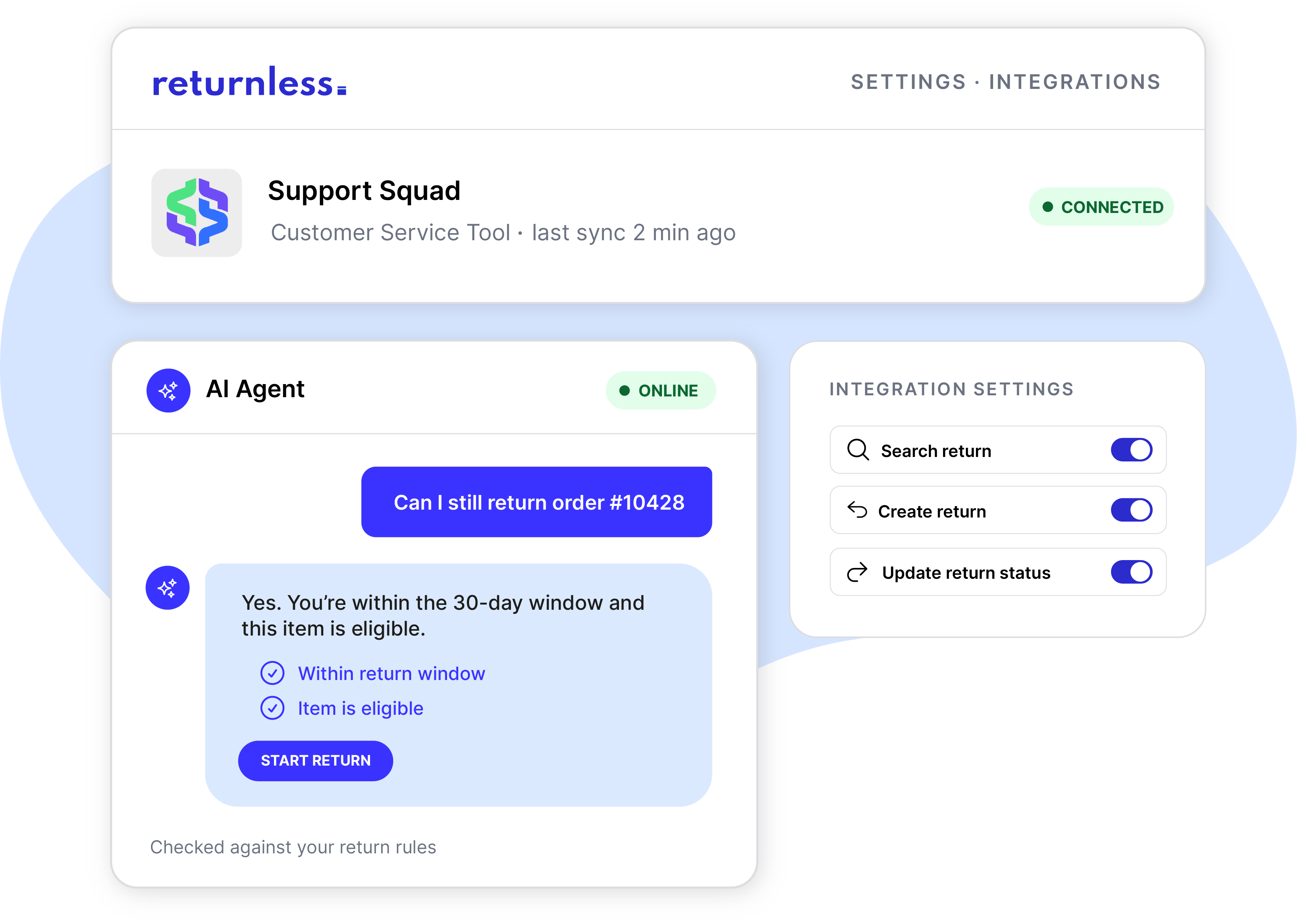
Support Squad's AI agent resolves customer service tickets on its own, day and night. Connect it to Returnless and it gets full return context instantly, so it can answer every return question correctly the first time.
✅ Pulls return status, return reasons, and rules straight from Returnless
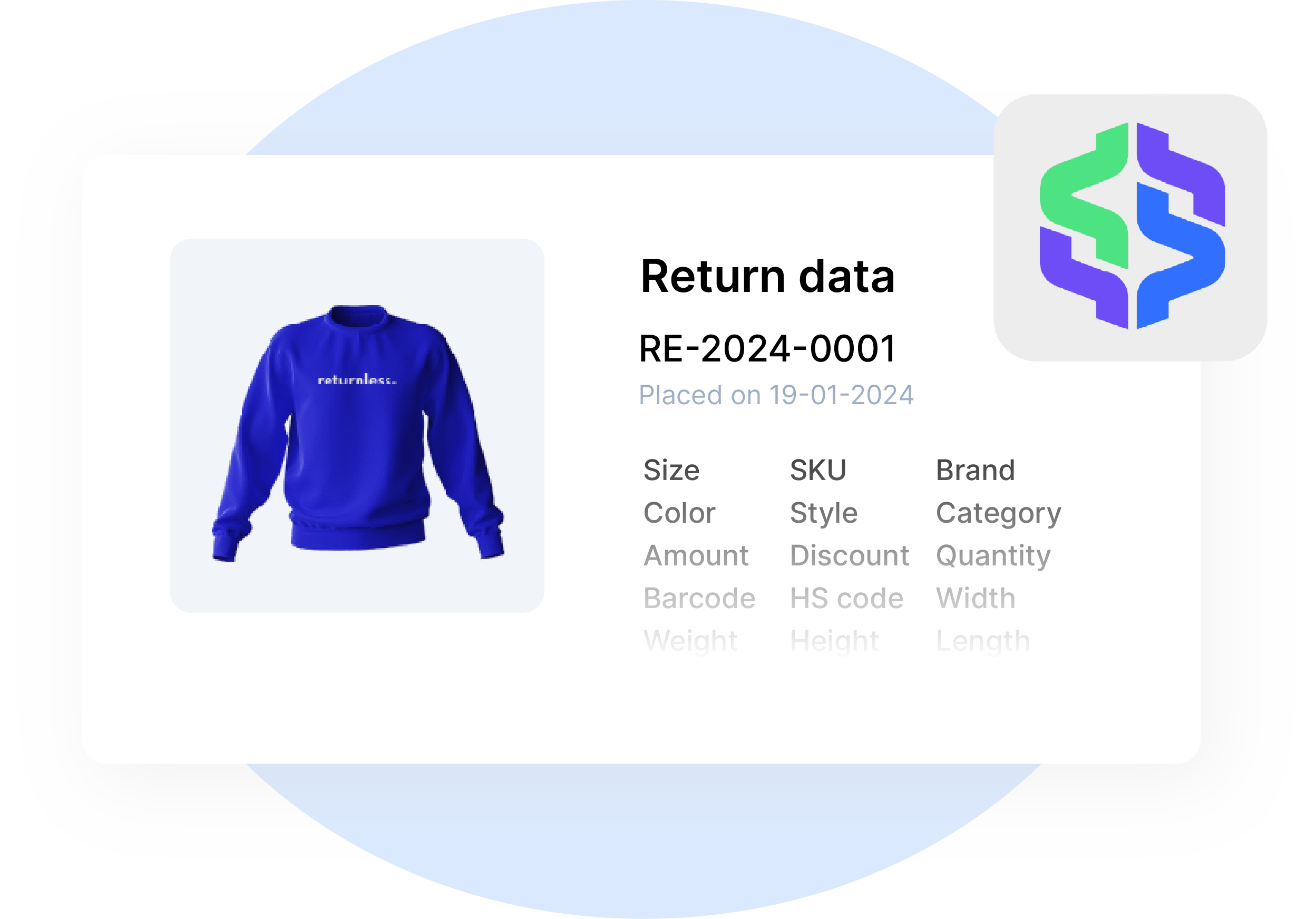
✅ Gets shipment and tracking data for every return on its way back
✅ Routes customers to your Returnless return form to start a return
✅ Return data is synced between systems

how does the integration work?
Question from customer
A customer asks Support Squad's AI agent about a return or refund.
Agent pulls return data
The agent pulls the return status, reason, shipment tracking, and linked order from Returnless.
Agent checks the refund stage
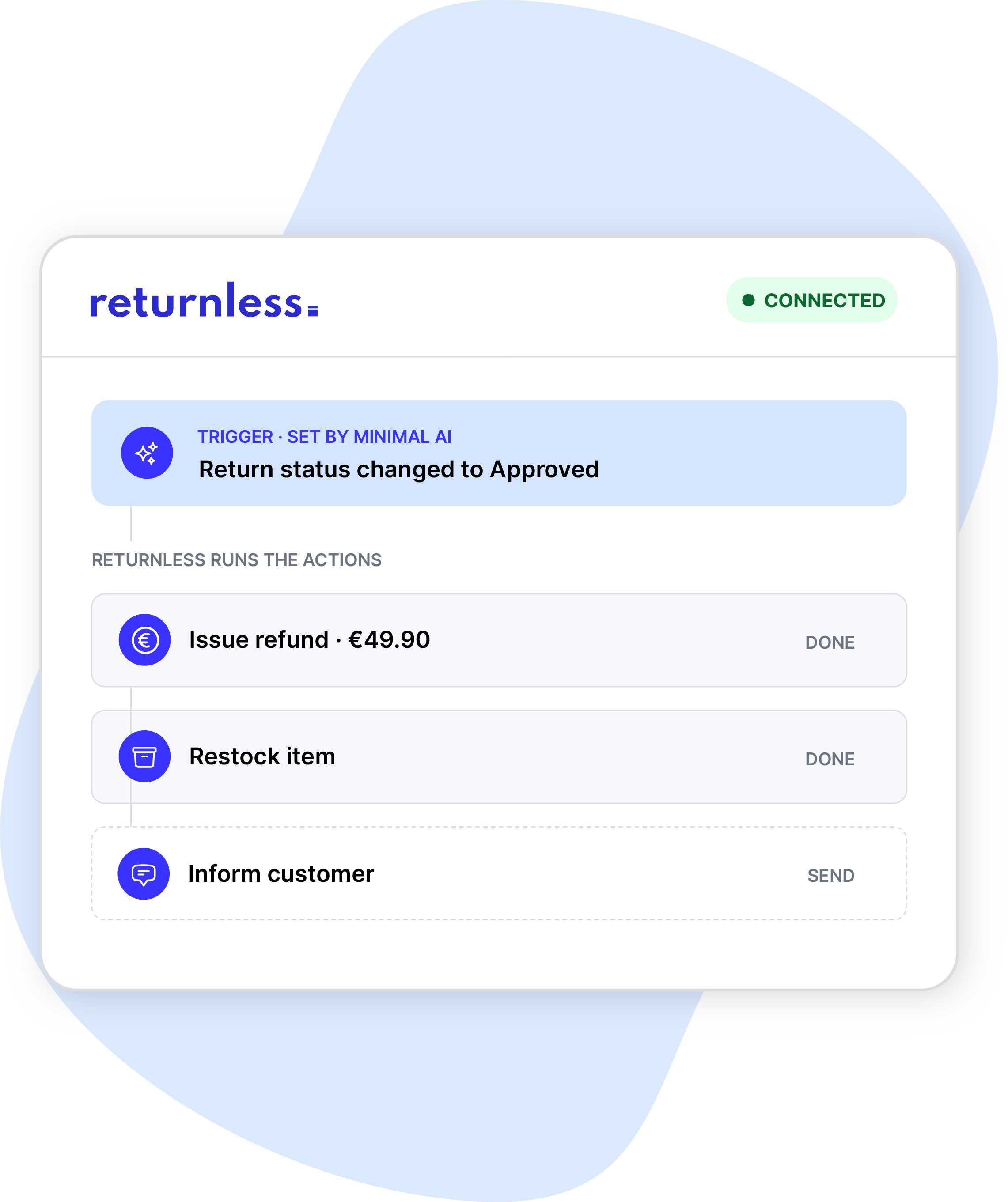
It checks Returnless's receipt and refund events to see exactly where the refund stands..
Agent answers or starts a return
It answers with the live details, or routes a verified customer to your Returnless return form.
Everything stays in sync
Return data sync between systems the moment something changes.
fewer questions for customer service.
Full return context, pulled in real time.
"Where's my return" and "where's my refund" are some of the most common tickets in a support queue. Support Squad's AI agent pulls the return status, return reason, Return rules, shipment tracking, and linked sales order straight from Returnless, so it can answer instantly instead of routing the question to your team.
starts the return, not just an answer to a question
Routes customers straight to your return form.
Connecting Returnless to Support Squad takes three steps: link your Returnless account in one click, choose which data flows to activate, and go live. The AI never calls Returnless directly: it works through Support Squad's own self-service portal, which has a consumer-facing frontend for customers and a separate machine-facing entry point for the AI. No code, no development time, and your existing setup in Returnless stays untouched.
a clear overview without the busywork.
Both systems fully connected.
Handing return questions with AI only works if your team can trust and check it. Every answer to your customers shows up in the conversation view and in the notes of Returnless, so nobody needs to copy context between tools.
what Support Squad can do in Returnless.
Support Squad connects with the Returnless-API. It retrieves data and applies actions. Below you'll find all the possibilities of the integration:
|
Look up
|
Take action
|
FAQ.
How does the Support Squad integration with Returnless work?
Support Squad connects directly to your Returnless account. Once linked, its AI agent pulls return status, tracking, and order data to answer customer questions, and can route customers to your Returnless return form to start a new return.
What can Support Squad's agent look up once connected?
Return status, return reason, Return rules, shipment and tracking data, and the linked sales order for every return.
Can Support Squad start a return for a customer?
Yes. The agent verifies the customer. From there the agent can create a return or route your customer to your Returnless return form, then follows the return through every step via the API.
How long does it take to connect?
About five minutes. Link your Returnless account to your Support Squad account, choose which data flows to activate, and go live.
What do I need to connect Support Squad to Returnless?
Admin access to your Returnless, and Support Squad account. No code or developer time required.
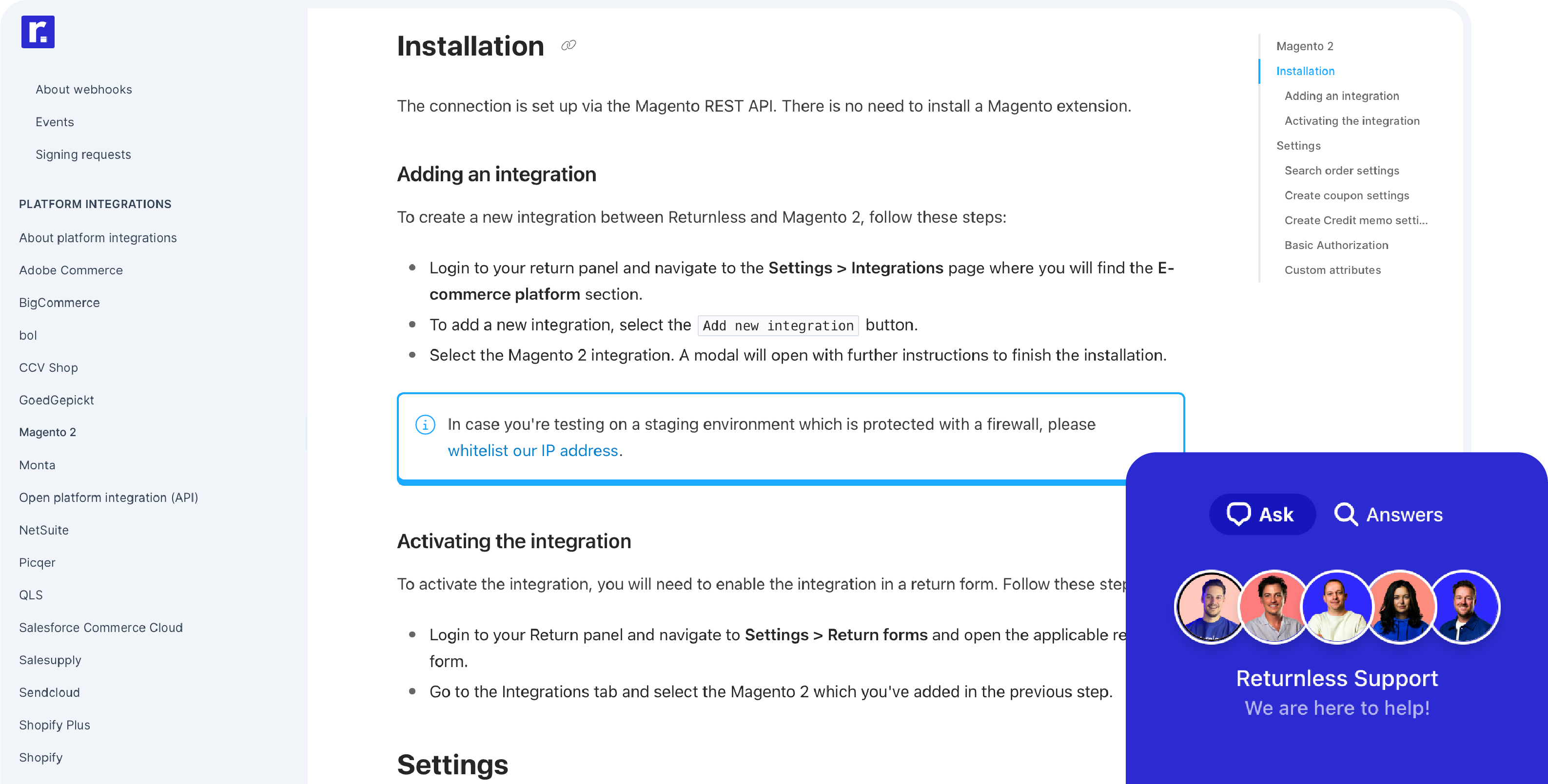
installation & support.
Connecting Returnless and Support Squad only takes 5 minutes. You can find the integration in the App Store of Returnless, and view the installation guide below.