Built by Sleak.chat
Connect Returnless easily within your Sleak.chat environment. Read the documentation.
Sleak.chat returns.
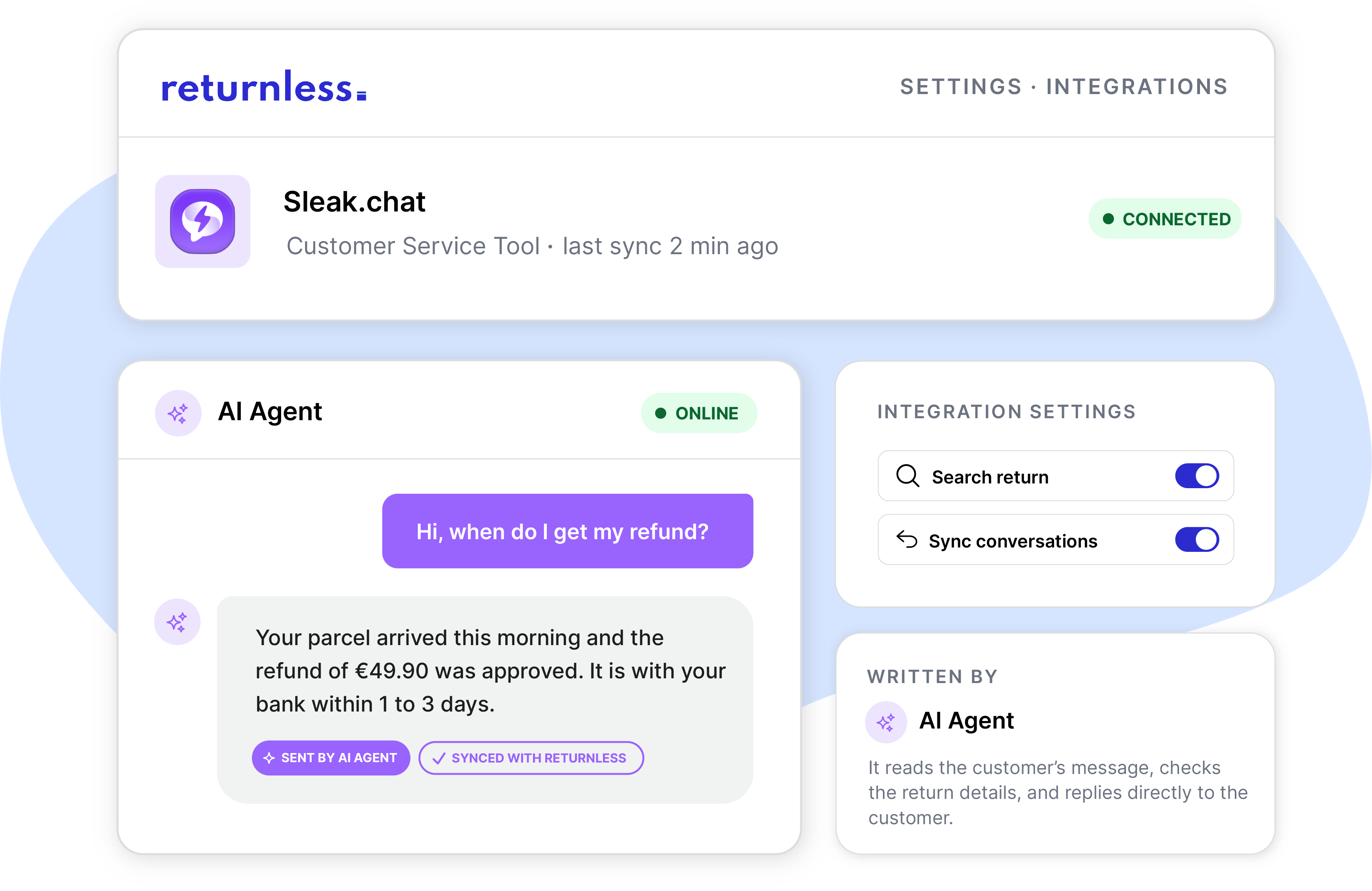
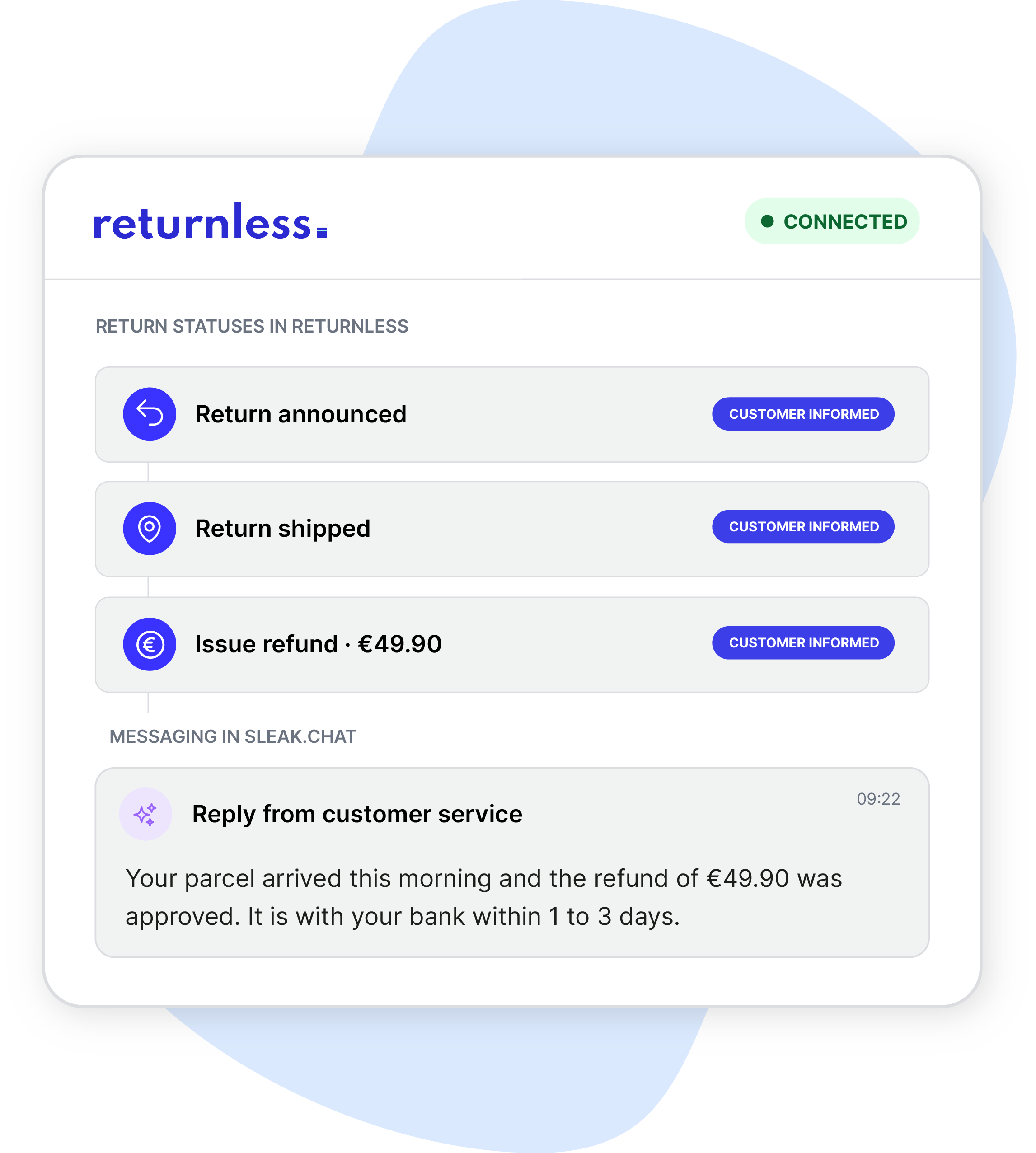
The Sleak.chat integration for Returnless gives its AI agent direct access to a customer's return data. When a customer asks about a return or refund in the chat widget, the agent looks up the live status, items, shipping, and refund details straight from Returnless, and shows the answer as a status card right inside the conversation.
✅ Customers ask about a return or refund directly in the chat widget
✅ The AI Agent fetches the live status, items, shipping, and refund details from Returnless
✅ Visually status cards with return information.

how does the integration work?
Customer question
A customer asks about their return or refund in the Sleak.chat widget.
AI Agent asks for details
The agent asks for a return or order number, plus the email used on the order.
Data is fetched
The agent retrieves the live return status, items, shipping, and refund details from Returnless.
Status card appears
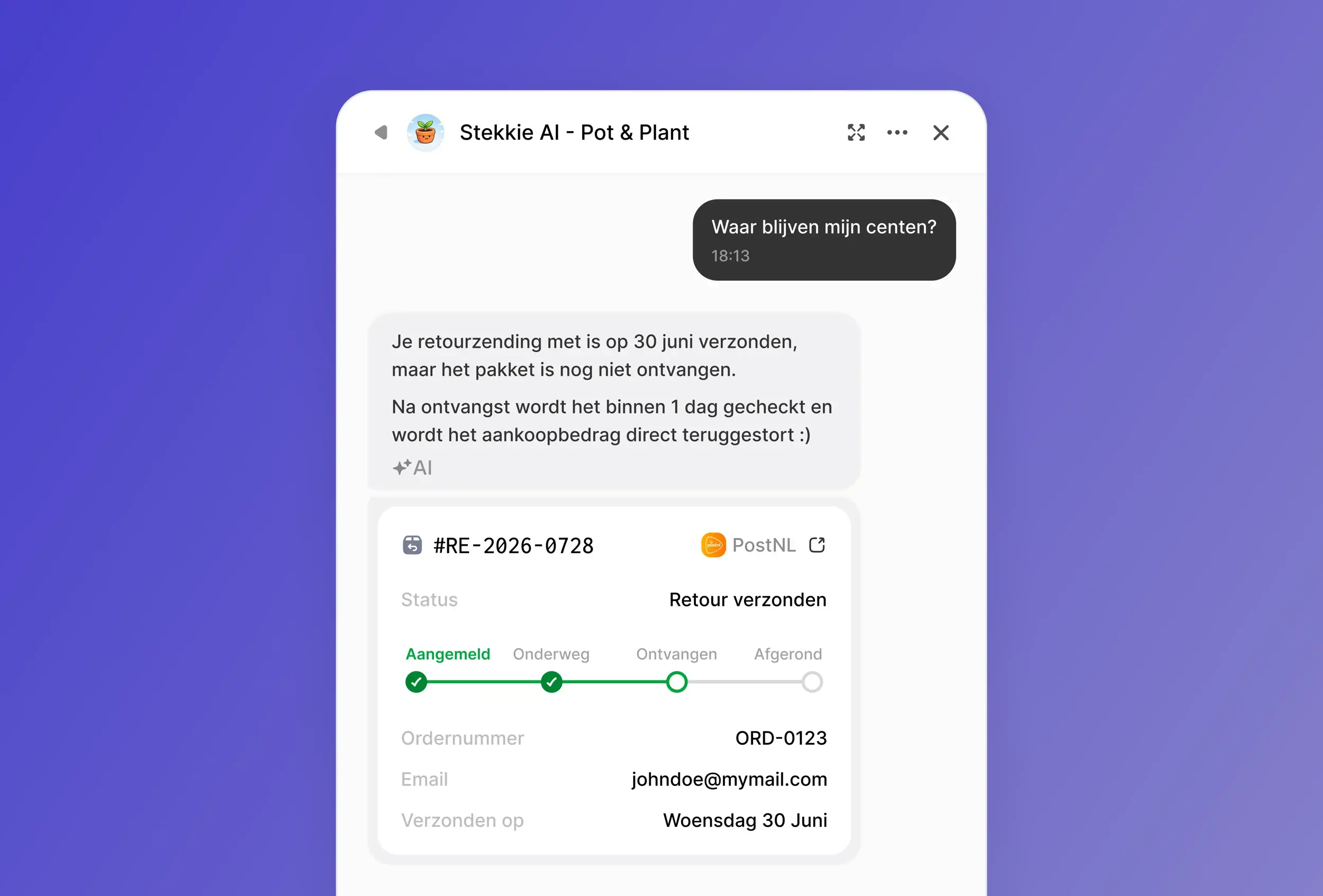
The widget shows a status card with a progress bar, right inside the chat.
Customer answered
The customer gets a clear, real-time answer. No queue, no waiting.
return questions instantly answered.
Save time for your customer service.
When a customer asks about a return in the chat, the AI Agent asks for a return number or order number, and the email used to place the order. Once verified, it pulls the return status, items, shipping, and refund details from Returnless in one go, so it can answer the question and any reasonable follow-up without a second lookup.
status card for return information.
A visual answer the customer can trust.
Once the AI Agent finds the return, the widget shows a status card with a progress bar, grouped into submitted, shipped, received, resolved, or rejected. The card also shows the return and order number, shipping carrier, email, and ship date, and links straight through to the full return in the return form, so the customer can double-check it themselves.
follow-up questions, no second lookup.
One lookup, every angle covered.
Because the AI Agent already has the status, items, shipping, and refund details from the first lookup, it can answer follow-up questions like "is my refund processed yet" or "which carrier is it with" in the same conversation, without asking the customer to repeat themselves. If the Agent isn't confident in an answer, it can hand the conversation off to an employee.
what Sleak.chat can do with Returnless.
Sleak.chat connects to the Returnless API and takes real actions. Here are some of the
things that are possible with this integration:
|
Look up
01
Return statusPulls the current status of a return straight from Returnless.
02
Order detailsChecks order data, shipment tracking, and customer information tied to a return.
03
Portal linkWith one click view the original return order in Returnless.
|
Take action
01
Show a status cardVisual progress bar with all of the return information.
02
Auto-reply with the AI AgentThe AI Agent pulls the data out of Returnless once, and answers any follow-up questions automatically.
03
Hand off to employeeBrings in a human when the agent isn't confident in the answer.
|
Creating a new return from the chat isn't available yet, it's on Sleak's roadmap.
Approving, rejecting, or resolving a return still happens in Returnless.
FAQ.
How does the Sleak.chat integration with Returnless work?
The integration gives your Sleak.chat agent direct access to return data from Returnless. When a customer asks about a return, the agent looks up the status, items, shipping, and refund details, and shows the answer as a status card right inside the chat widget.
What does a customer need to provide to check a return?
A return number or an order number, plus the email address used to place the order. If the customer doesn't have either number ready, the agent asks for it.
What does the status card show?
A progress bar with the current step (submitted, shipped, received, resolved, or rejected), the return and order number, shipping carrier, email, ship date, and a link through to the full return in the Returnless portal.
Can Sleak.chat create a new return for a customer?
Not yet. Today the integration only looks up an existing return's status. Creating a new return from the chat is on Sleak's roadmap.
Do I need technical knowledge to set this up?
No. You only need an account in both systems. Add the integration via the App Store from Returnless, verify it, and confirm it in your Sleak.chat dashboard. There's no manual configuration. It only takes a few minutes.
installation & support.
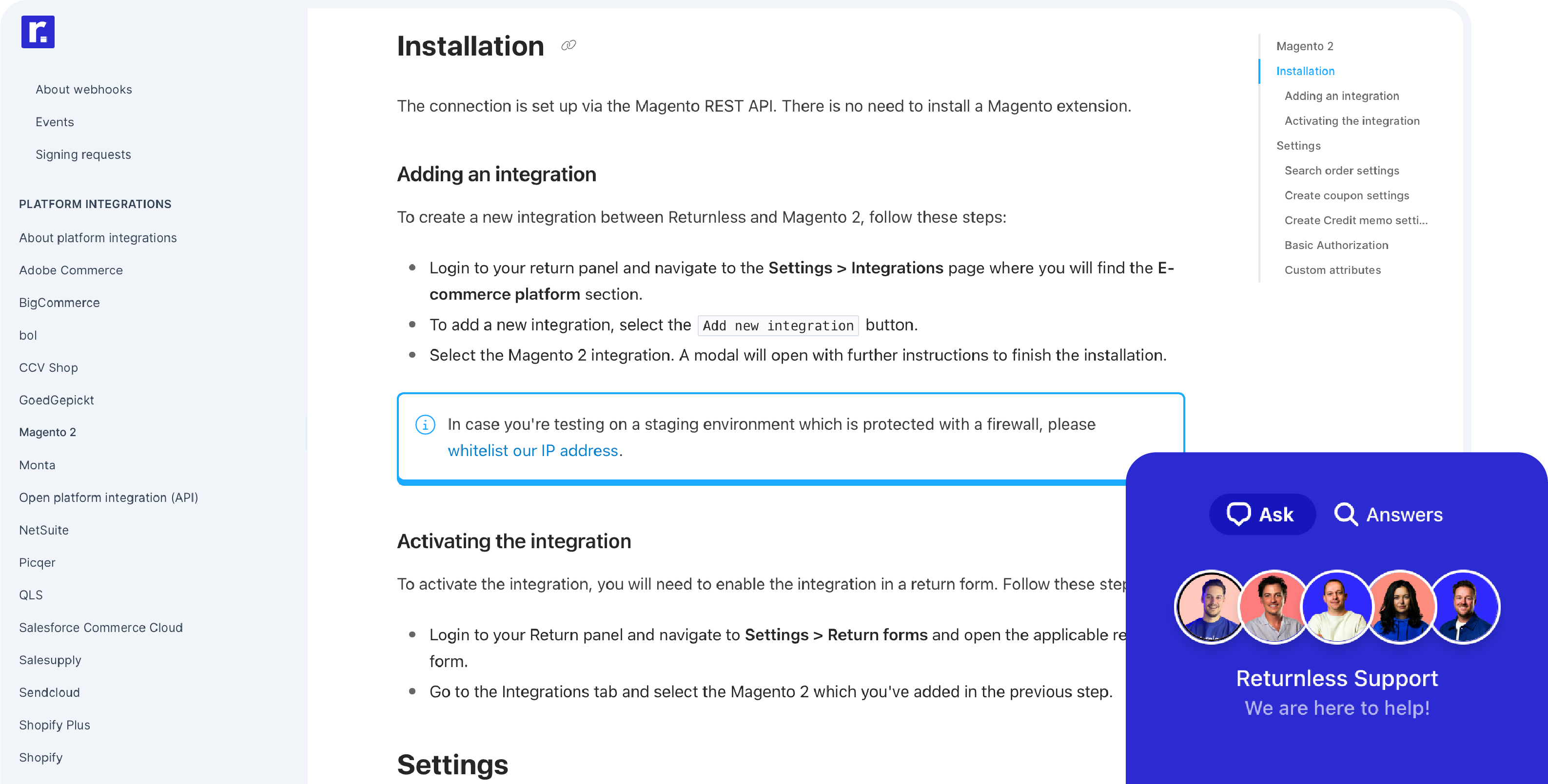
Connecting Returnless to your store only takes 5 minutes. View the documentation of Sleak.chat for more information about integrating Sleak.chat with Returnless.