LyraWMS-favicon
Lyra WMS

Built by Lyra WMS

Connect your store in 5 minutes with our plug & play integration. Review installation guide.

GET STARTED!
WAREHOUSE MANAGEMENT SYSTEM


Lyra WMS returns.

Returnless handles the return for your customer. Lyra WMS handles it in your warehouse. Every return created in Returnless lands in Lyra WMS automatically, with the reason and photos attached, and the result flows back, so your team never retypes a return.

✅ Returns created in Returnless are imported into Lyra WMS automatically
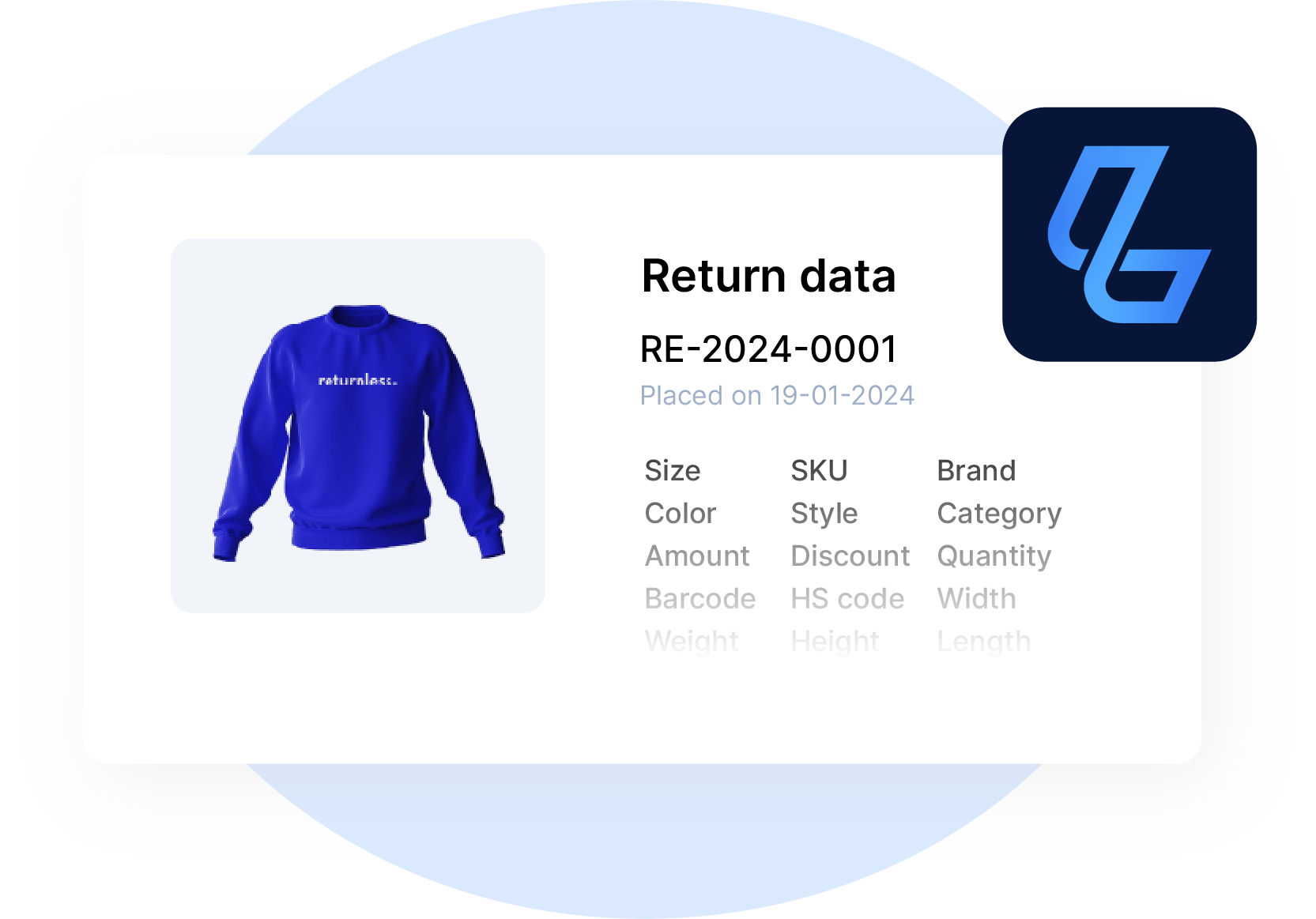
✅ Return reasons and photos arrive with every return
✅ The status flows back to Returnless and to other connected platforms.

how does the integration work?

 
01

Customer starts a return

A customer submits a return in Returnless and gets a label.

02

Lyra WMS imports the return

The return arrives in Lyra WMS with its return reason and photos.

03

The warehouse knows when returns arrive

Your team sees every open return in one overview and knows when they arrive at the warehouse.

04

The warehouse processes the returns

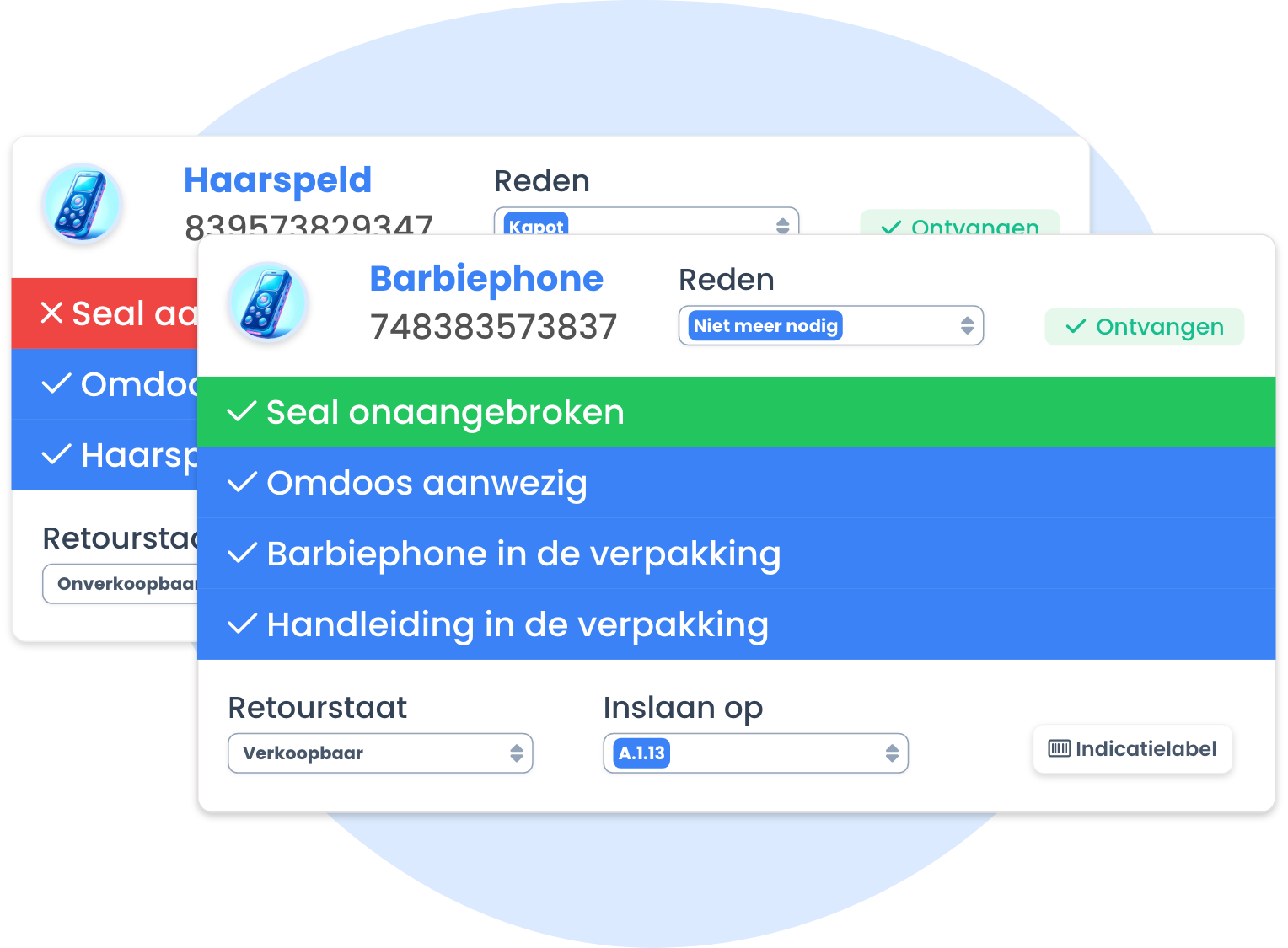
Items are marked sellable, unsellable, or incomplete, and given a location in the warehouse.

05

Sync between systems

Lyra WMS updates Returnless, which passes it to your sales channel.

no more retyping returns.

Know when returns arrive at your warehouse.

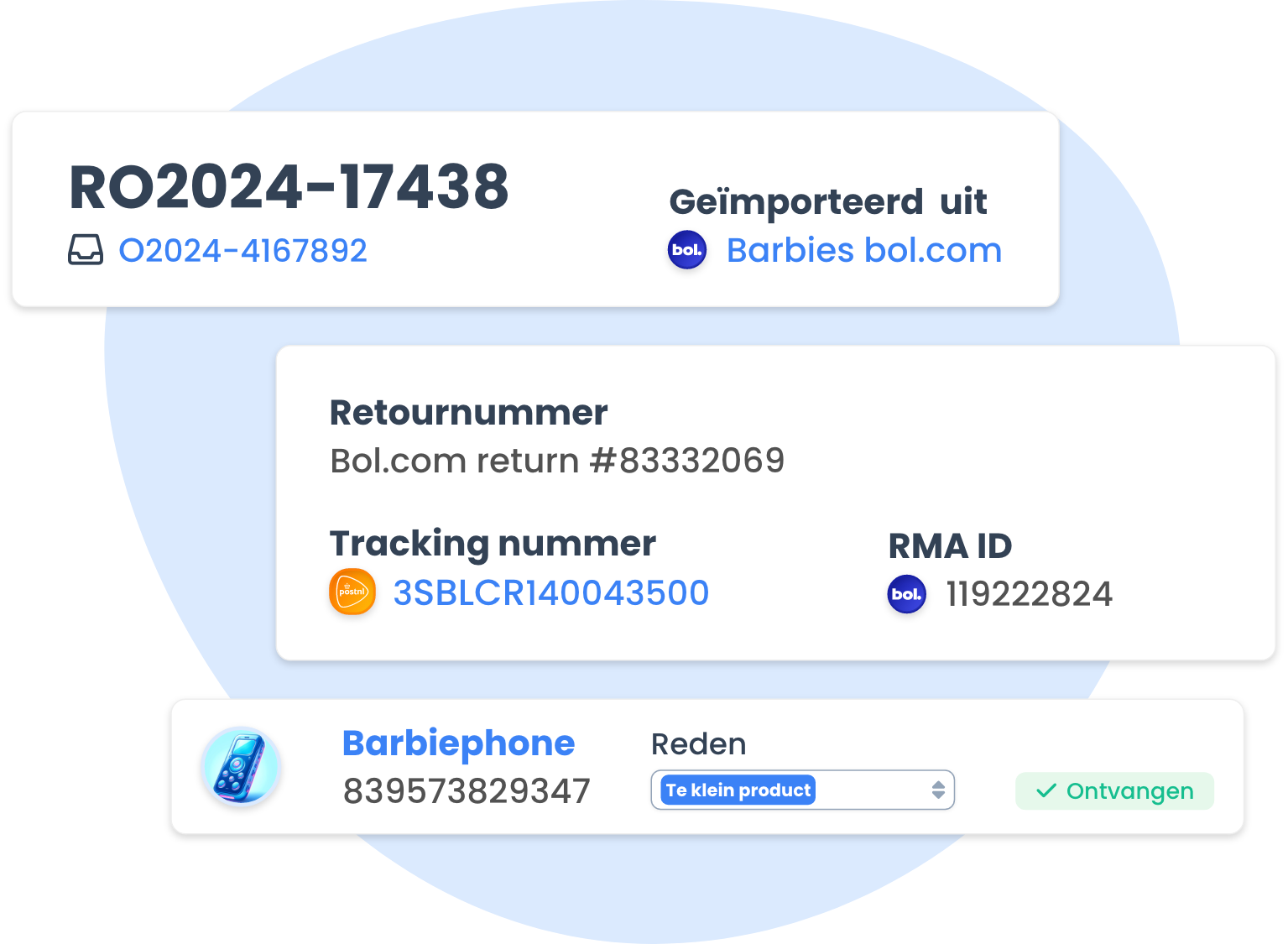
When a customer submits a return, Returnless creates the label and imports the return into Lyra WMS. Your warehouse team sees every open return in one overview, and knows when the returns arrive at the warehouse. All return data is imported to Lyra WMS, so nobody has to copy details from an email or a spreadsheet. 

Return-products
Imported-return

no more mystery parcels.

Your warehouse knows what to look for before the parcel opens.

The return reason from Returnless, for example "received wrong product", is loaded into Lyra WMS. Your team knows what to check before they open the parcel. On receipt they mark the product as sellable, unsellable, or incomplete and select where it goes in your warehouse. 

processed in Lyra WMS, updated everywhere.

Your warehouse processes the return, the integration does the rest.

Once your team has processed the return, Lyra WMS sends the status back to Returnless. Returnless passes the status and preferred resolution on to your sales channel, so your customer gets refunded or receives store credit. Connecting takes about five minutes: create a Returnless return channel in Lyra WMS, then add it as an Open Integration in Returnless.

Integratie - Lyra WMS x Returnless@2x

What Lyra WMS can do with Returnless.

Lyra WMS connects to the Returnless API. Here are some of the things that are possible with this integration: 

Look up
01
Find the order
Searches for the matching order in Lyra WMS, including customer contact details and product images.
02
Return reasons and details
Loads the return reason and the return details that your customer stated in the return form.
   
Take action
01
Import the return in Lyra WMS
Returnless creates the label and the return is imported into Lyra WMS.
02
Resolve returns
Lyra WMS sends the return status to Returnless. From there the status and preferred resolution of the customer can be send to your sales channel.

FAQ.

How does the Lyra WMS integration with Returnless work?

Customers start a return in Returnless and receive a label. Returnless imports the return into Lyra WMS, your warehouse processes it, and the status goes back to Returnless, which passes it to your sales channel.

What does my warehouse see in Lyra WMS?

An overview of all open returns, including the return reason from Returnless (for example, received wrong product).

What can my warehouse do when a return arrives?

Mark the product as sellable, unsellable, or incomplete, and select the location where it goes.


What happens after a return is processed in Lyra WMS?

Lyra WMS sends the status back to Returnless, which passes it to your sales channel.

I want to get started, what do I do?

If you’re ready to go live with Returnless, simply create an account and set up your preferences. To get started, follow these steps:

  1. Configure your return form

  2. Select your shipping methods

  3. Connect your store

Once everything is set up, choose your subscription to take your return process live.

How long does it take to connect?

About five minutes. Create a Returnless return channel in Lyra WMS, then add the Open Integration in Returnless and paste in the two URLs from Lyra WMS.

installation & support.

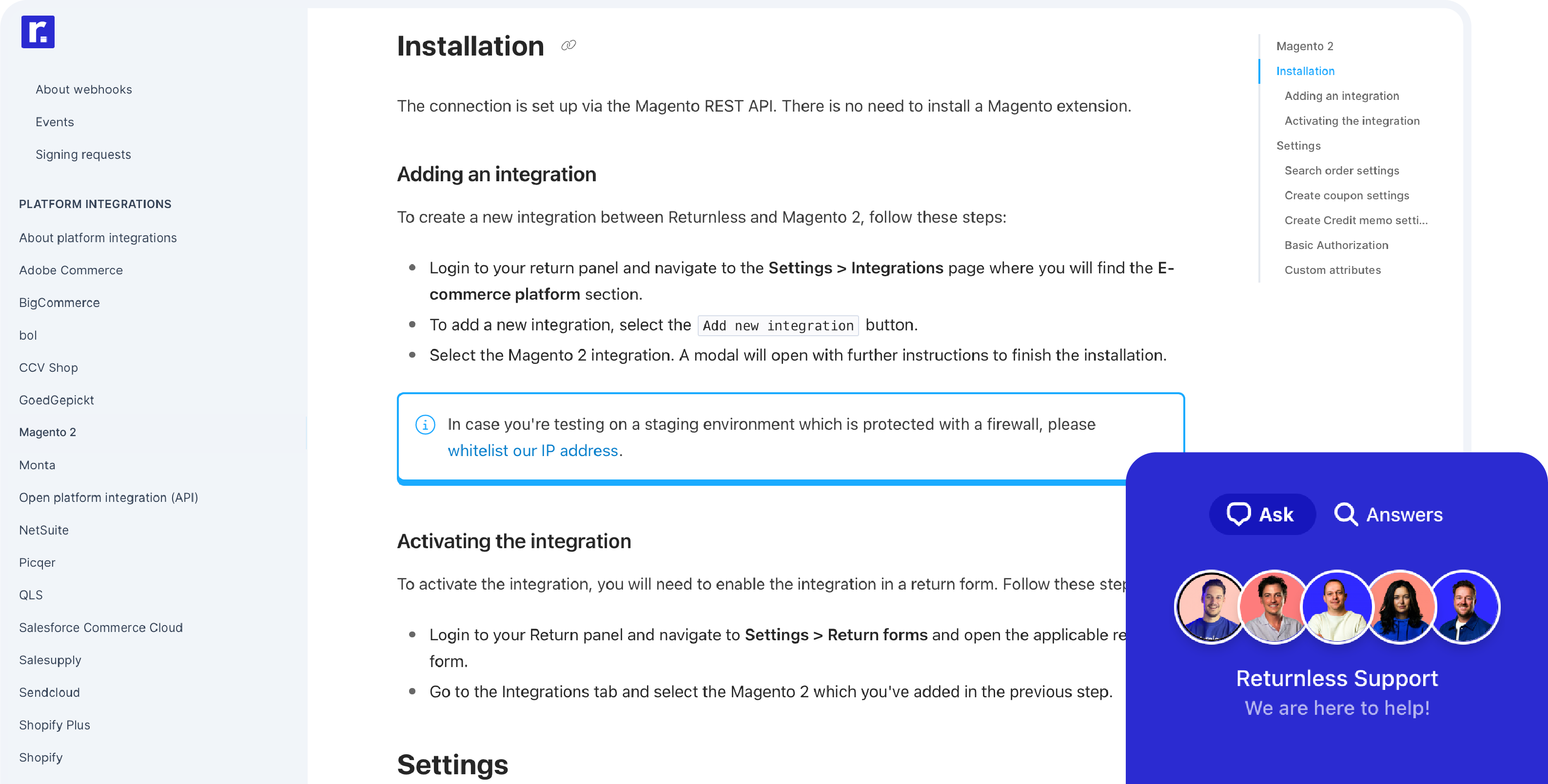
Connecting Returnless to your store only takes 5 minutes. Review our installation guide for more information about integrating LyraWMS with Returnless. Need help? You have access to support right from within the Returnless platform.

Integration support